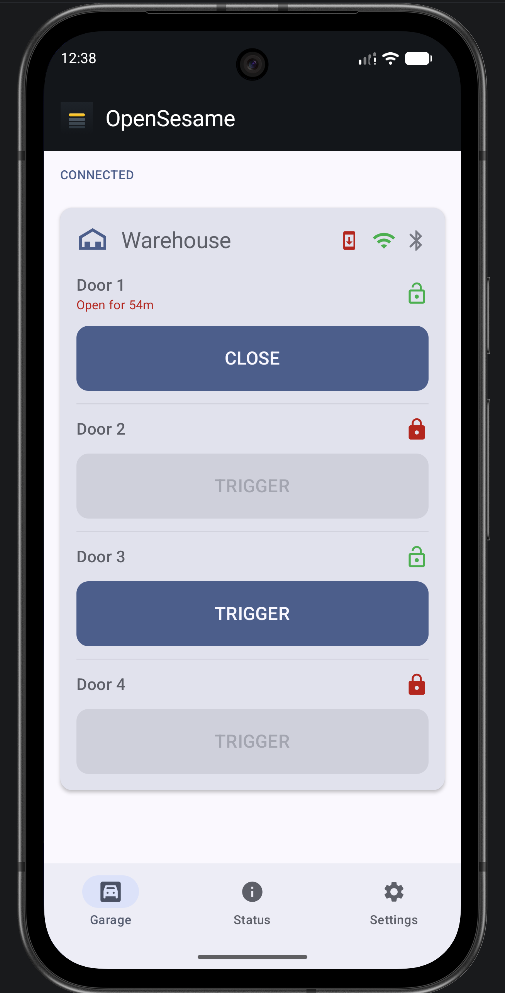
Open-source ESP32 firmware that turns a handful of relays into a WiFi and Bluetooth garage door controller — provisioned in a browser, driven over HTTP or BLE, and updated over the air from your own Gitea instance.
A single ESP32 drives up to four independent relay-triggered doors, addressable over a bearer-token HTTP API or a passkey-paired BLE service — no cloud dependency, no hardcoded secrets in source.
A REST-style HTTP API for automation and a low-energy BLE GATT service for direct phone control — both gated behind credentials generated during provisioning, never shipped in firmware.
First boot opens a temporary SoftAP with a captive setup page. Enter WiFi, a BLE passkey, and door count — the device validates the WiFi connection before saving anything.
Firmware ships as Gitea Releases on a private repo with public-only release assets. The device checks the latest tag and updates itself — no OTA credential to manage.
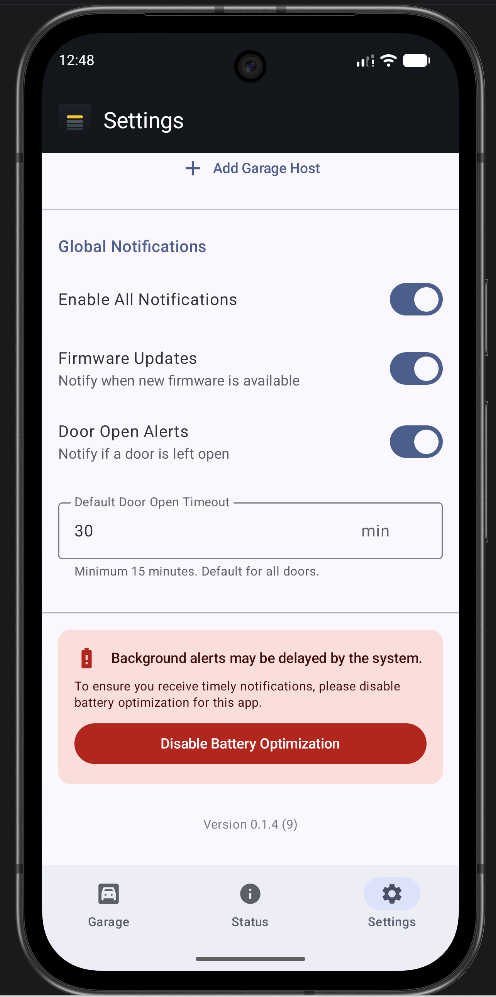
Five wrong bearer tokens in a row triggers a temporary HTTP lockout; repeated failed BLE pairing pauses advertising. Each door also enforces a trigger cooldown.
Every Serial line is mirrored to a 40-entry ring buffer, readable via GET /logs or pushed to your own webhook every ~15s — no USB cable required after install.
A background check restarts BLE advertising if it silently stops, plus a periodic bounce every 5 minutes — aimed squarely at "only a reboot fixed it" failure modes.
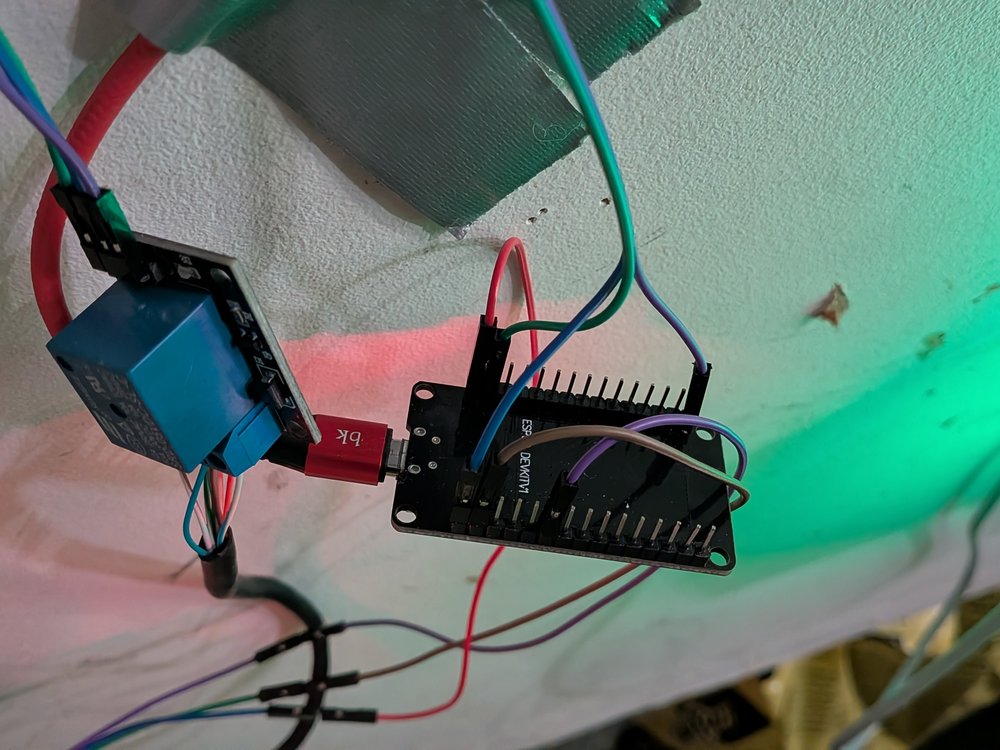
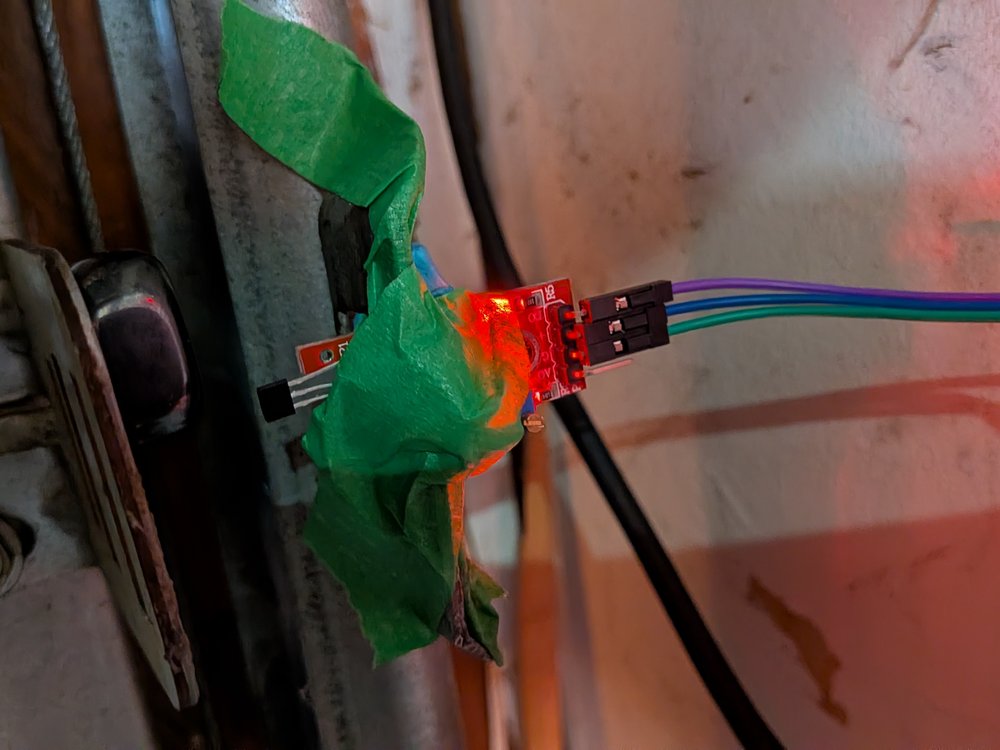
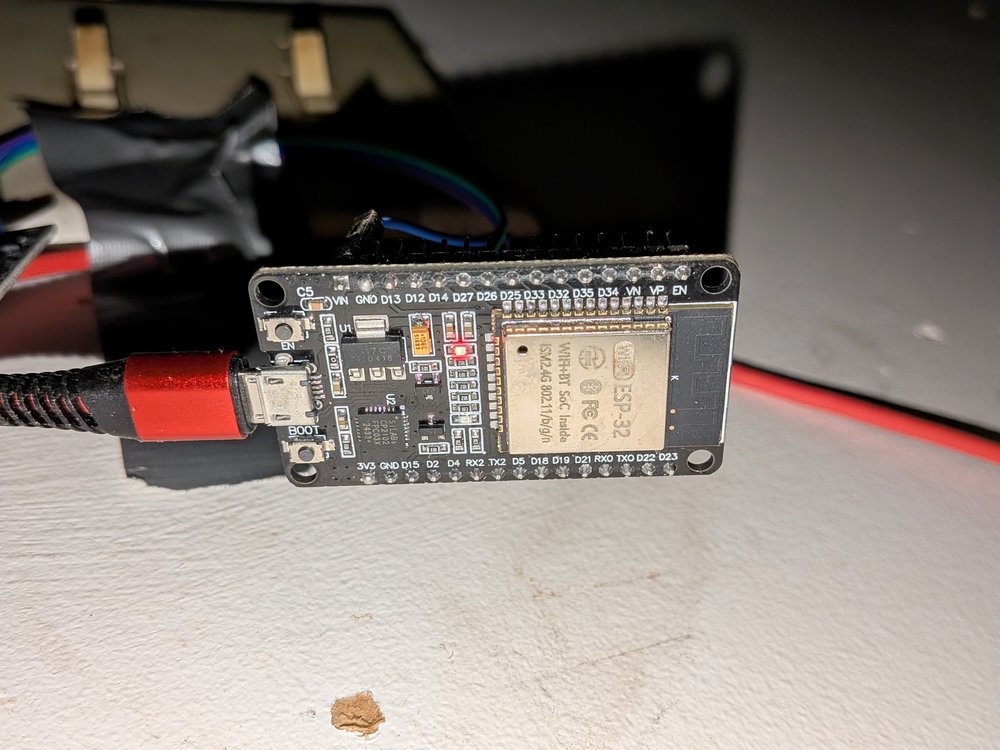
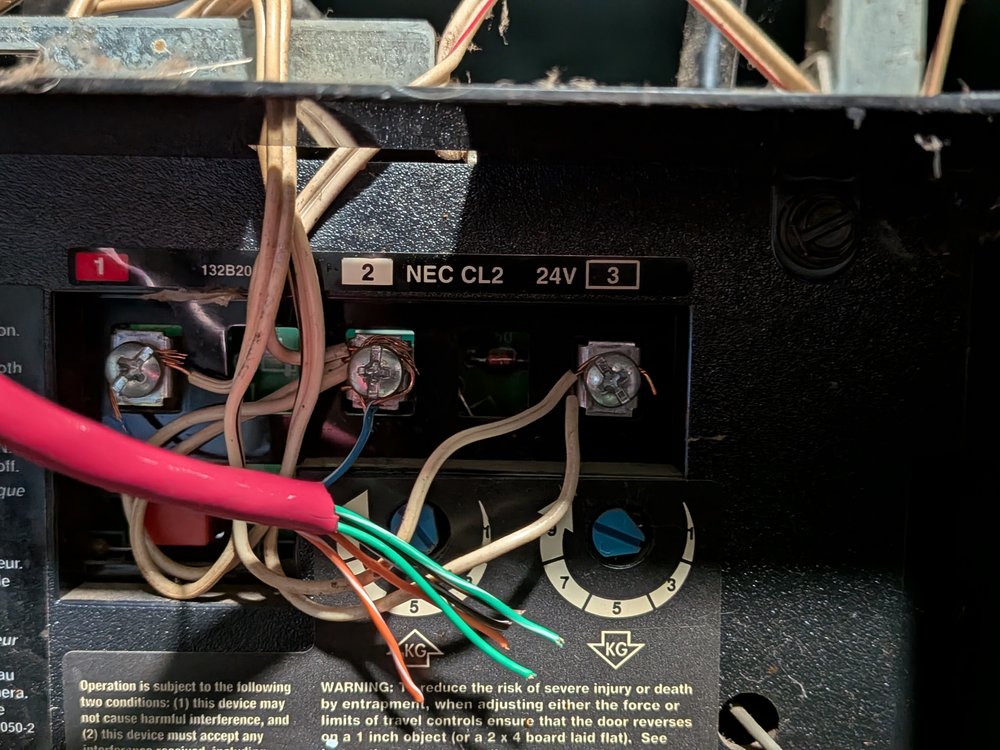
Drop your own photos and screenshots into these slots — wiring, the setup page, and the panel mounted in place all help newcomers trust the build.
Happens once per device — or again after a factory reset. Nothing is stored until the WiFi connection is verified.
Connect to GarageDoorESP32-Setup-XXXX. The password is derived from the device's MAC, so it can be pre-printed on a label — see the calculator below.
Visit http://192.168.4.1/ and fill in the form.
The device connects to your WiFi before writing anything to flash. On success it reboots into normal operating mode.
This is shown exactly one time. Copy it into a notepad before the device reboots — it will not be shown again.
Both values are deterministic from the chip's eFuse MAC, so an installer can print them ahead of time:
SSID = "GarageDoorESP32-Setup-" + hex(mac & 0xFFFF) // 4 hex digits, uppercase Password = "GD-" + hex(mac & 0xFFFFFF) // 6 hex digits, uppercase
The formula is public (it's in the firmware source), so this password only protects the window before first provisioning — after that the SoftAP disables itself until a factory reset, and the real API token / BLE passkey are freshly random or user-chosen.
Every HTTP call below needs Authorization: Bearer <token>. Doors are 1-based in the URL path.
| Endpoint | Does |
|---|---|
| GET /doors | Lists configured doors: number, relay pin, lock state. |
| POST /door/<n>/trigger | Pulses door n's relay, subject to cooldown and lock state. |
| GET /door/<n>/status | Lock state and cooldown info for door n. |
| POST /door/<n>/lock · /unlock | Toggles the software lock flag for a door. |
| POST /door/<n>/set_relay_pin | Reassigns door n's GPIO (0–33, excluding 6–11); reboots to apply. |
| POST /factory_reset | Wipes NVS and BLE bonds; returns to provisioning mode. |
| GET /version | Returns the running FIRMWARE_VERSION. |
| POST /ota_update_meta | Updates only if the latest Gitea release differs from the running version. |
| POST /ota_update | Force-installs the latest Gitea release regardless of version. |
| GET /logs | Last ~40 lines of Serial output, as JSON. |
| POST /set_log_webhook_url | Sets (or clears) a remote endpoint that log lines are pushed to. |
One service handles all configured doors, encrypted and passkey-paired.
Command char → write [cmd, doorIndex]
cmd: 0x01 trigger · 0x02 lock · 0x03 unlock
doorIndex is 0-based (door 1 in the API = index 0)
Status char → N:<doorCount>,C:<cooldownMs>;D0:L<0/1>,S<msSinceTrigger>,P<relayPin>;D1:...
Connect an ESP32 over USB and install a build straight from your Gitea releases — no PlatformIO install required. Uses ESP Web Tools and the browser's Web Serial API.
Firmware-only write to an already-provisioned chip — matches the OTA path.
First flash on a brand-new board, or no CORS-enabled Gitea to point at? Build and upload directly instead:
pio run --target upload # full flash: bootloader + partitions + app, over USB