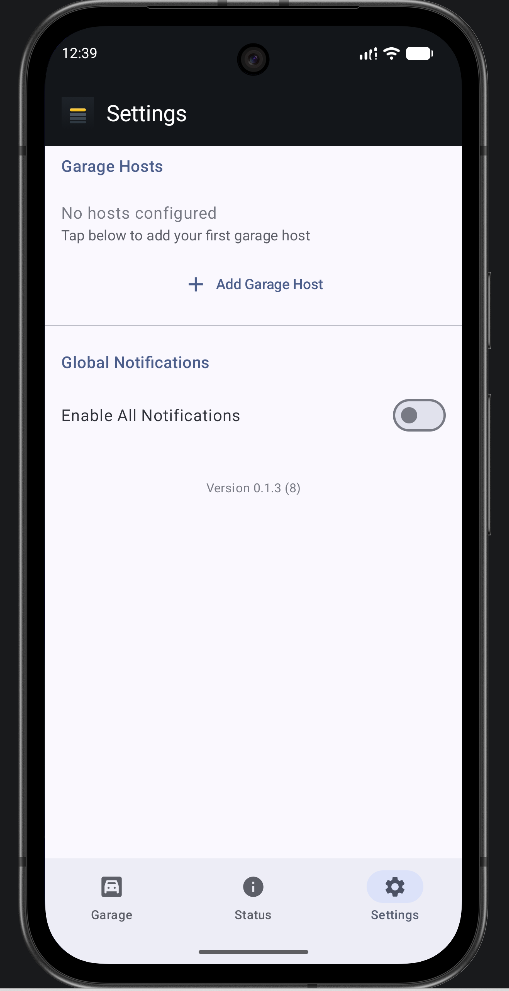
Start from Settings
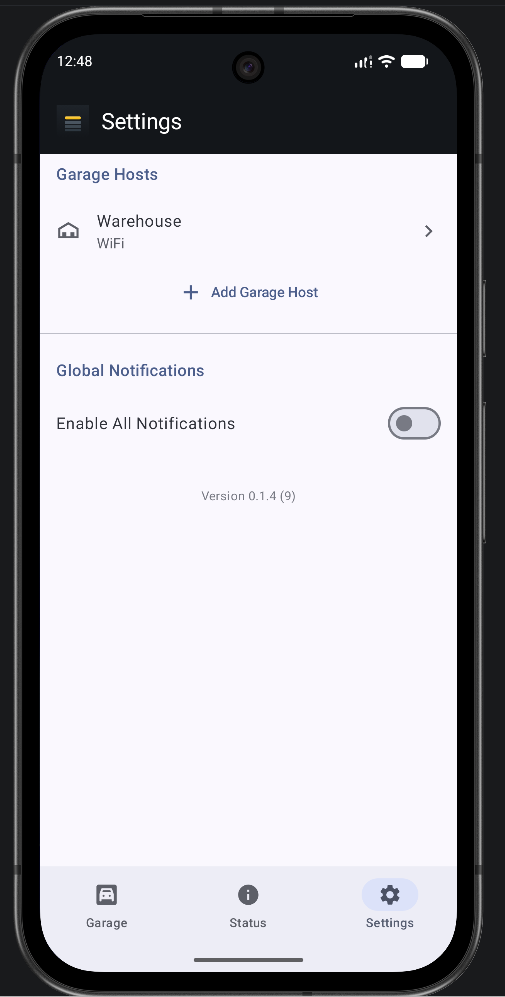
On a fresh install with no hosts configured, the main screen prompts you straight to Settings. Already have one host and adding another? Open Settings and tap Add Another Garage Host.
The Android client for OpenSesame — manage any number of hosts and doors, trigger over WiFi or BLE, keep firmware current, and pull it all up right from Android Auto.
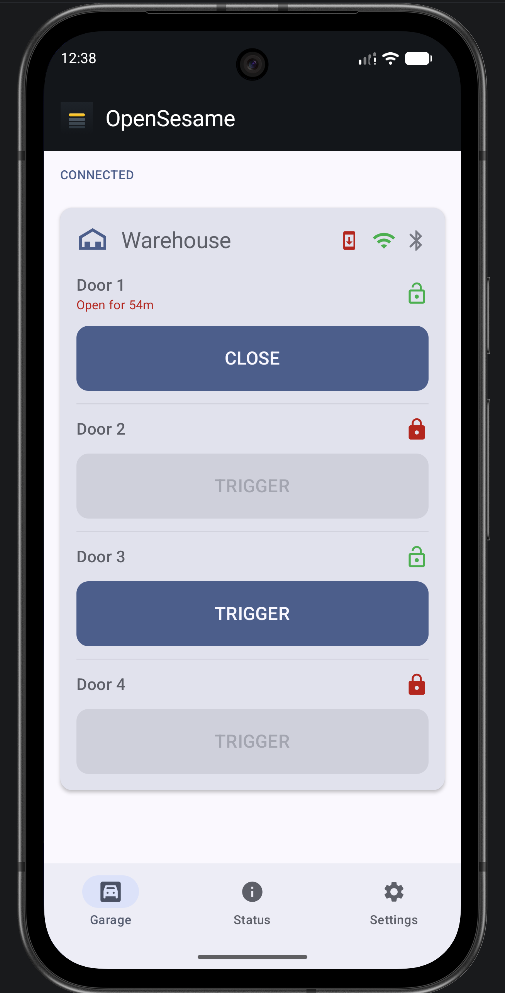
Everything the firmware exposes over HTTP and BLE, organized into three tabs.
Every host you've added, and every door configured on it, shows up here — grouped by host, with the same trigger and lock controls the firmware exposes. Doors with an open/closed sensor wired up show their real state, not just whether a trigger fired.
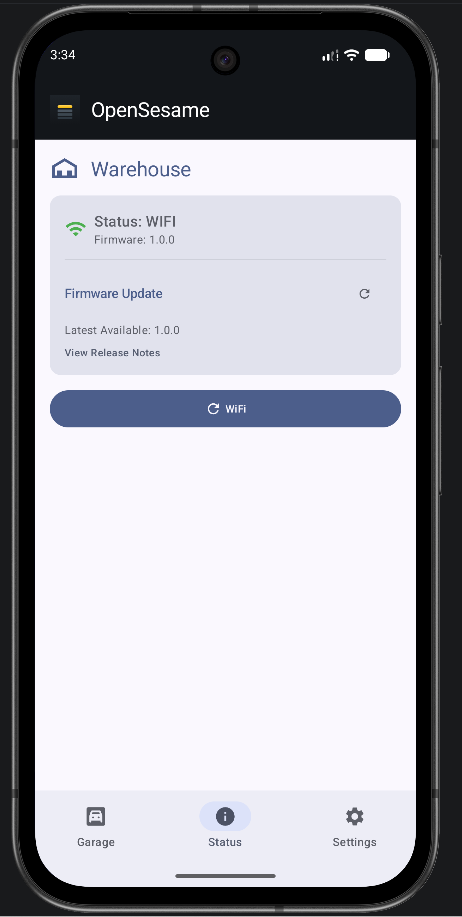
Per-host connectivity and the running firmware version, with the ability to kick off a firmware update right from the app when one's available.
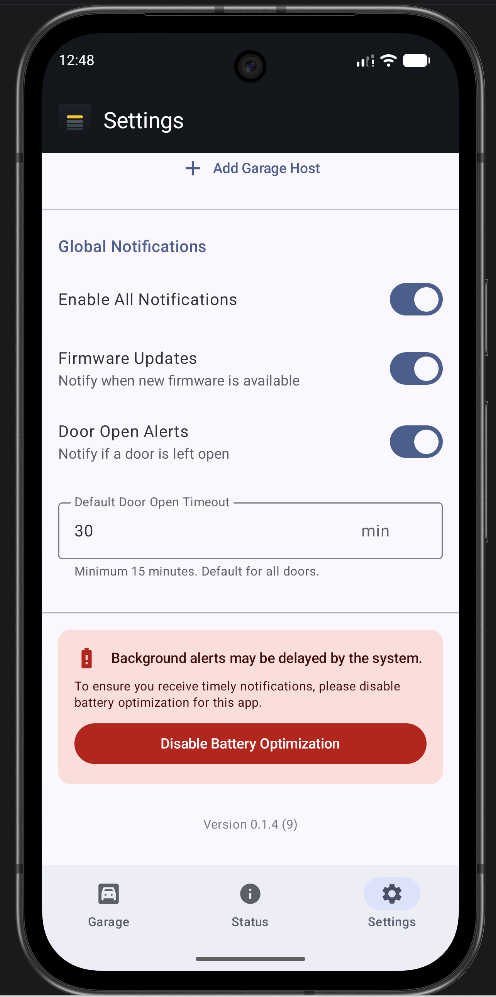
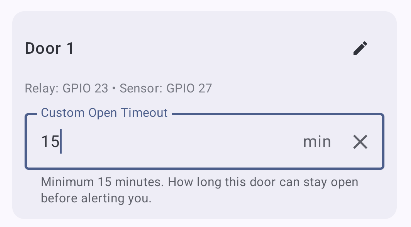
Add a host, choose WiFi, BLE, or both to reach it, and name each discovered door — the app reads back however many doors that host was provisioned with. Also where you tune notifications: get alerted if a door's left open (default or per-door timeout) or when a firmware update's available.
From a blank install to a working door, start to finish.
On a fresh install with no hosts configured, the main screen prompts you straight to Settings. Already have one host and adding another? Open Settings and tap Add Another Garage Host.
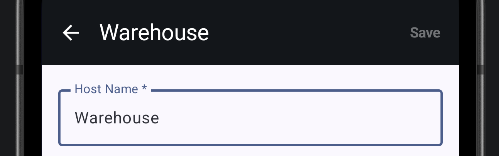
Give it a name that tells it apart from any others — Home, Warehouse, whatever fits.
Choose an icon for it, so it's easy to tell hosts apart at a glance on the other screens.

Select WiFi, Bluetooth, or both — a host can be reachable either way, or both at once.
Worth knowing: a Bluetooth-only host still triggers doors fine, but firmware visibility and updates on the Status tab currently need a WiFi connection.
If you enable both, the app manages each independently but prioritizes WiFi — BLE won't connect on its own while WiFi is active, only if WiFi becomes unavailable or you connect it manually from Settings.

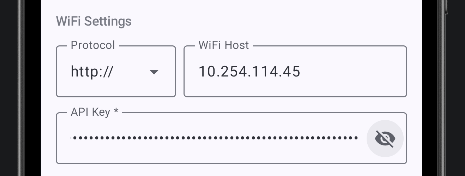
Choose HTTP or HTTPS, enter the hostname or IP address, then paste in the API key from provisioning.
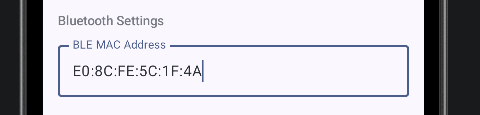
Enter the BLE MAC address from provisioning.
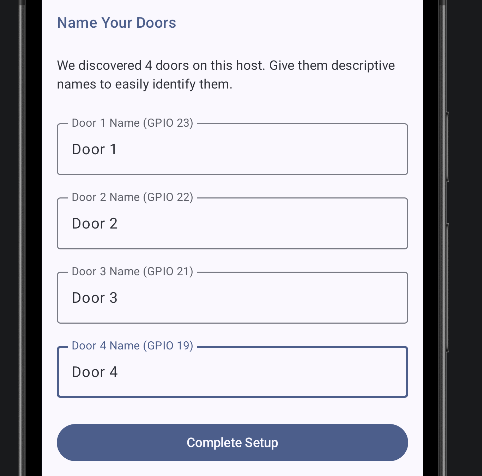
Once at least one connection succeeds, you're prompted to label each door the host reports — Main, Left, Door 1 — however many that host was provisioned with show up automatically.
These names live only on this phone, not on the host itself — anyone else's app can label the same doors however makes sense to them, and you can rename any door at any time.
That's it — the host and its doors show up on the Garage tab and are ready to use, as long as the app has a connection to the host. Doors with a sensor wired up show real open/closed status, not just whether a trigger fired.
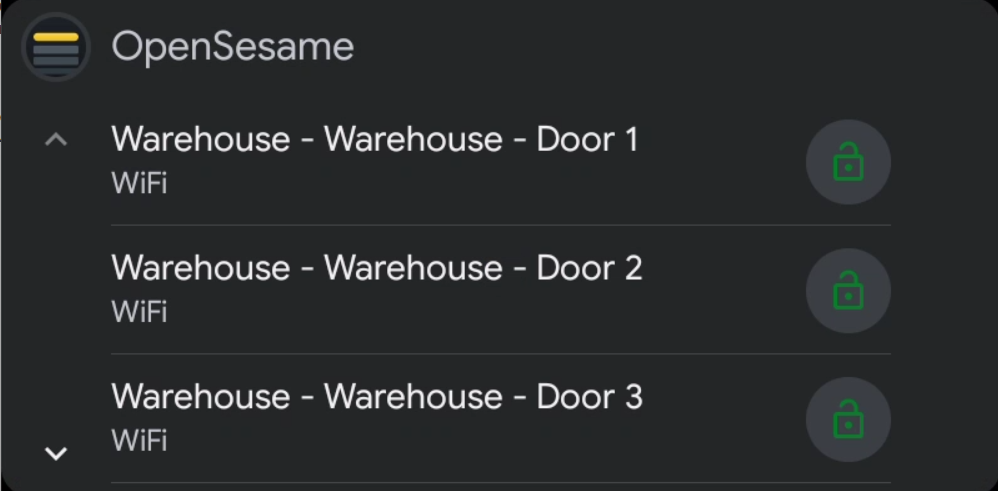
Full Android Auto support — pull up your hosts and doors on the car's display and trigger them without touching the phone. Built for the moment you're already pulling into the driveway.
Garage, Status, Settings, notifications, and Android Auto — all from a real setup.